Download
Receive a ZIP with the main app, demos and manuals.
Bilingual offline app in English and Spanish
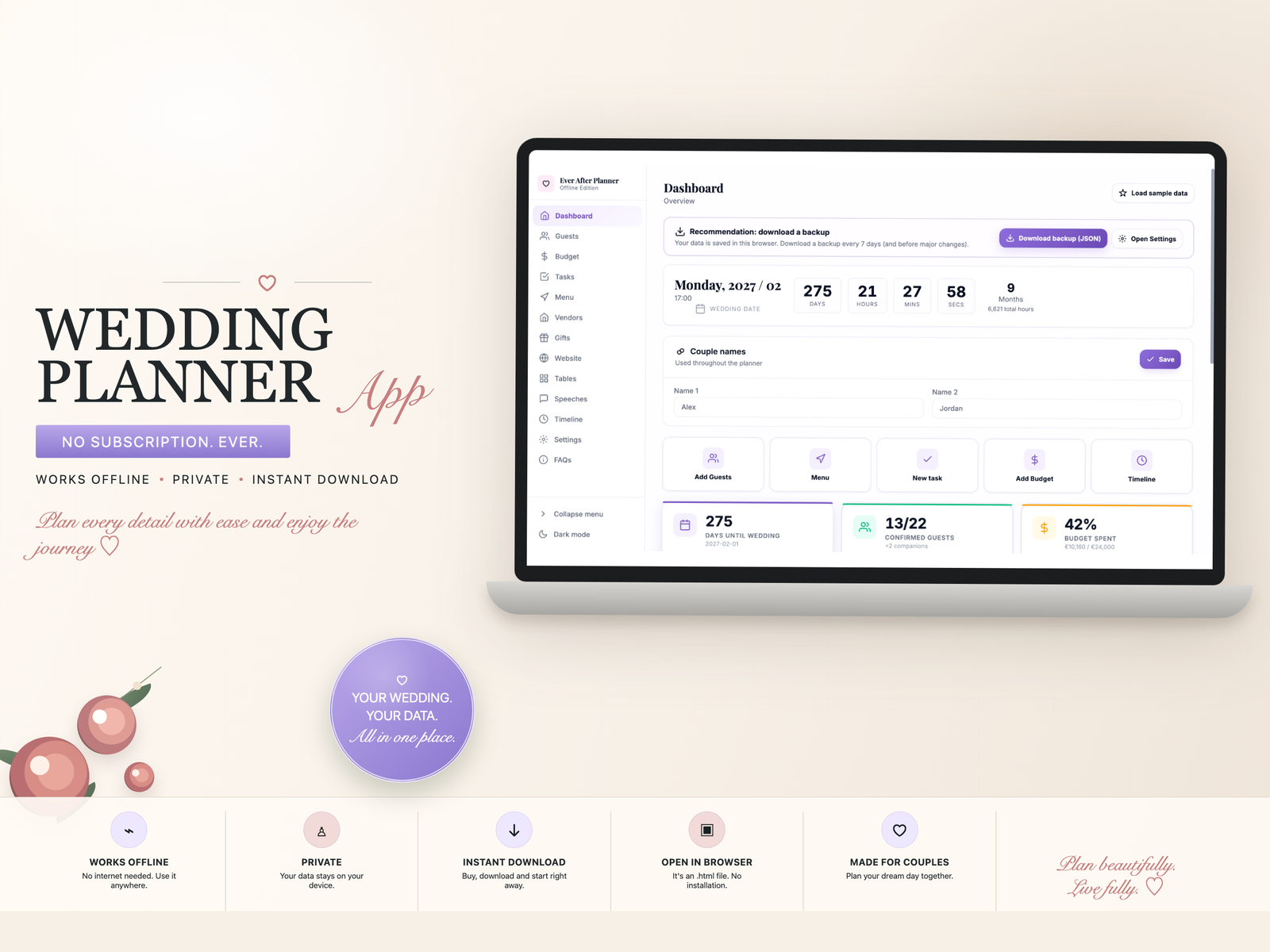
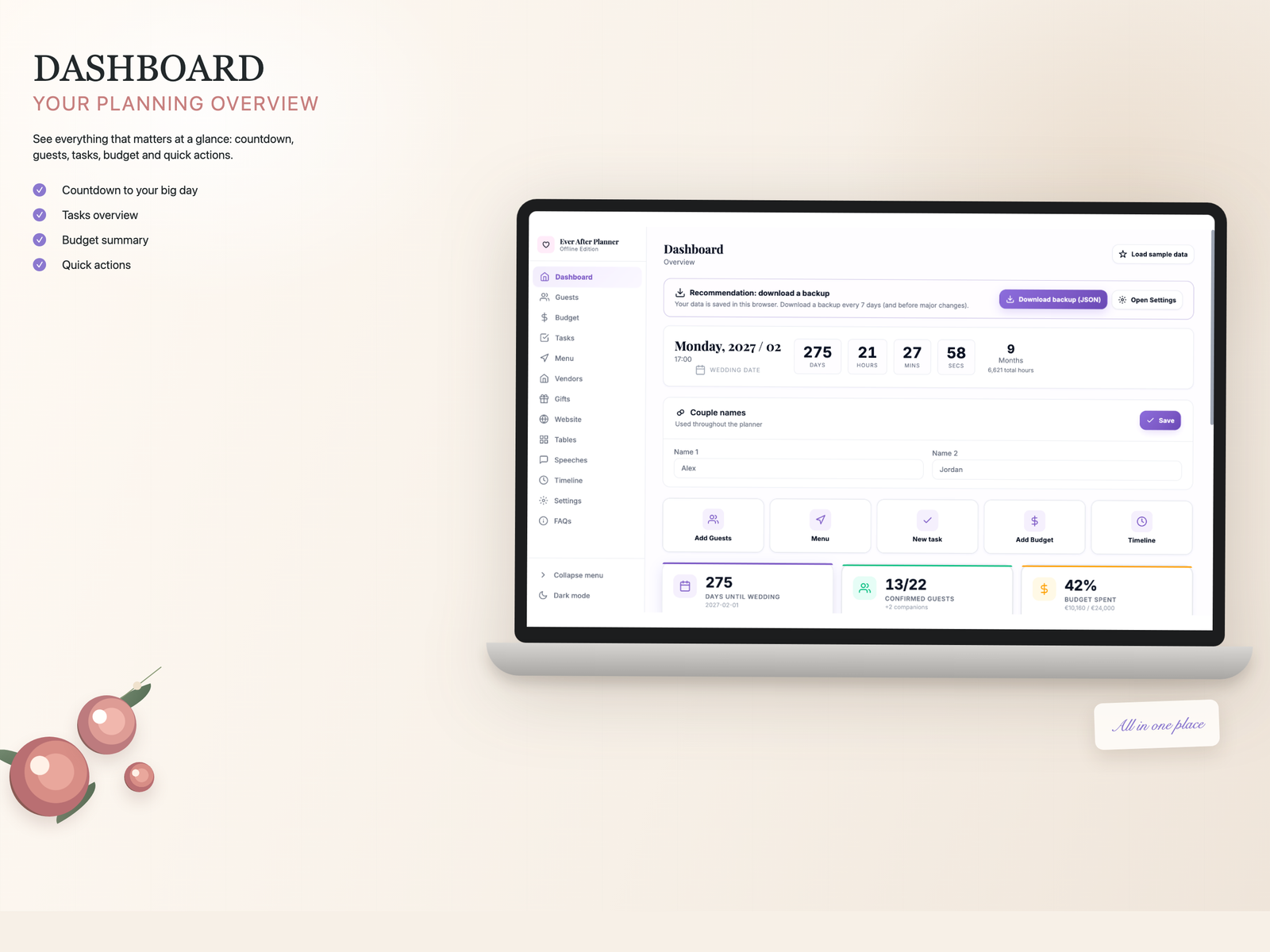
Ever After Planner organizes guests, RSVP, budget, tasks, vendors, gifts, tables, menu and important wedding details in a private planner that opens in your browser.
Simple and clear
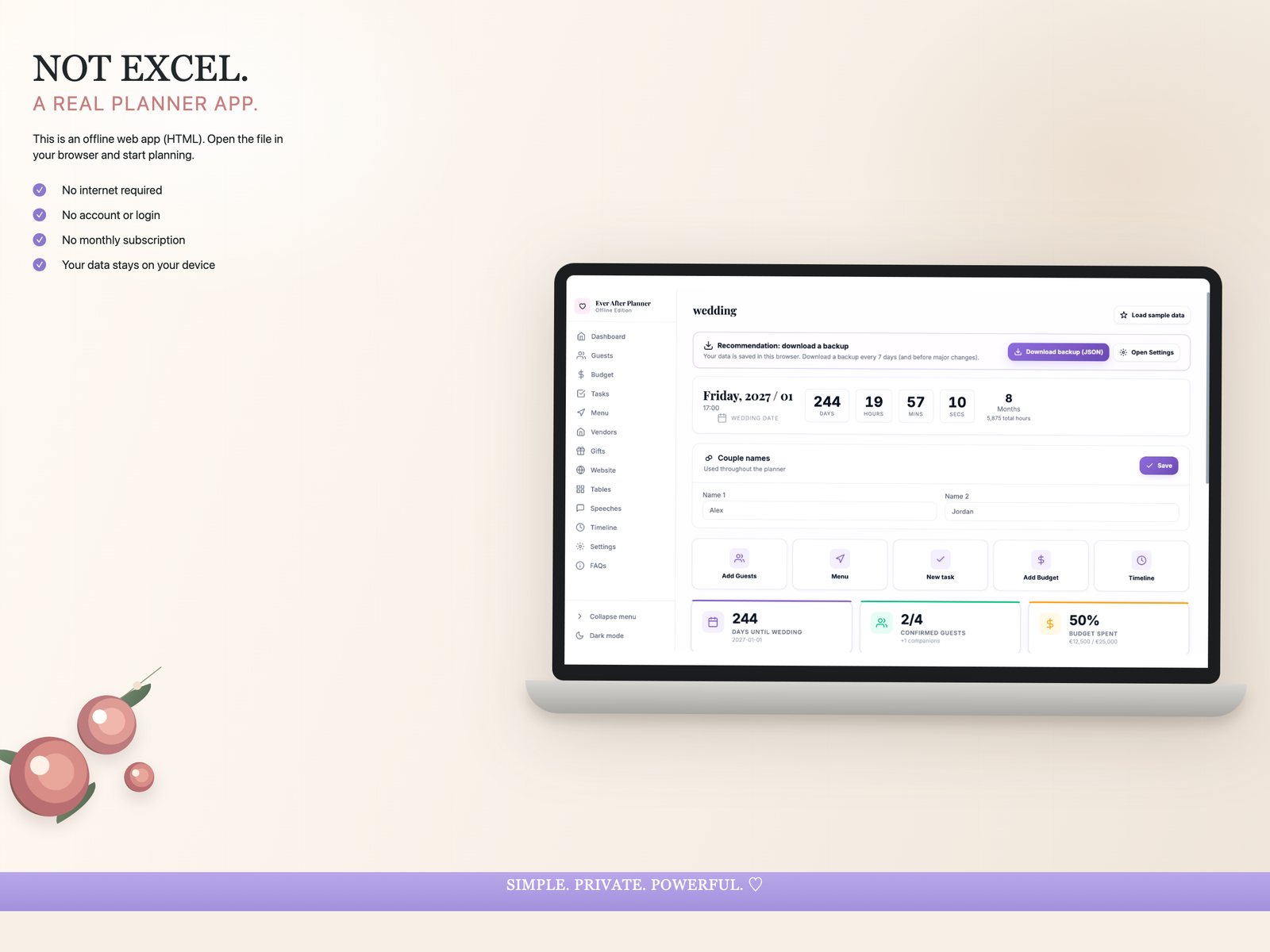
No installation and no account needed. The planner opens in a modern browser and works offline after opening the file.
Receive a ZIP with the main app, demos and manuals.
Unzip the download and open the HTML file in your browser.
Organize every part of your wedding from your own device.
Not another cold template
Weddings have too many moving parts to live in fragile cells. Ever After Planner separates each area into clear views so you can move forward without getting lost between tabs.
What you receive
The download includes the main app, demos and manuals so you can start with confidence.
The complete offline planner for organizing your wedding.
A sample file to explore the structure in Spanish.
A demo version for English-speaking couples or families.
PDF guides in both languages to use the planner correctly.
A place for every detail
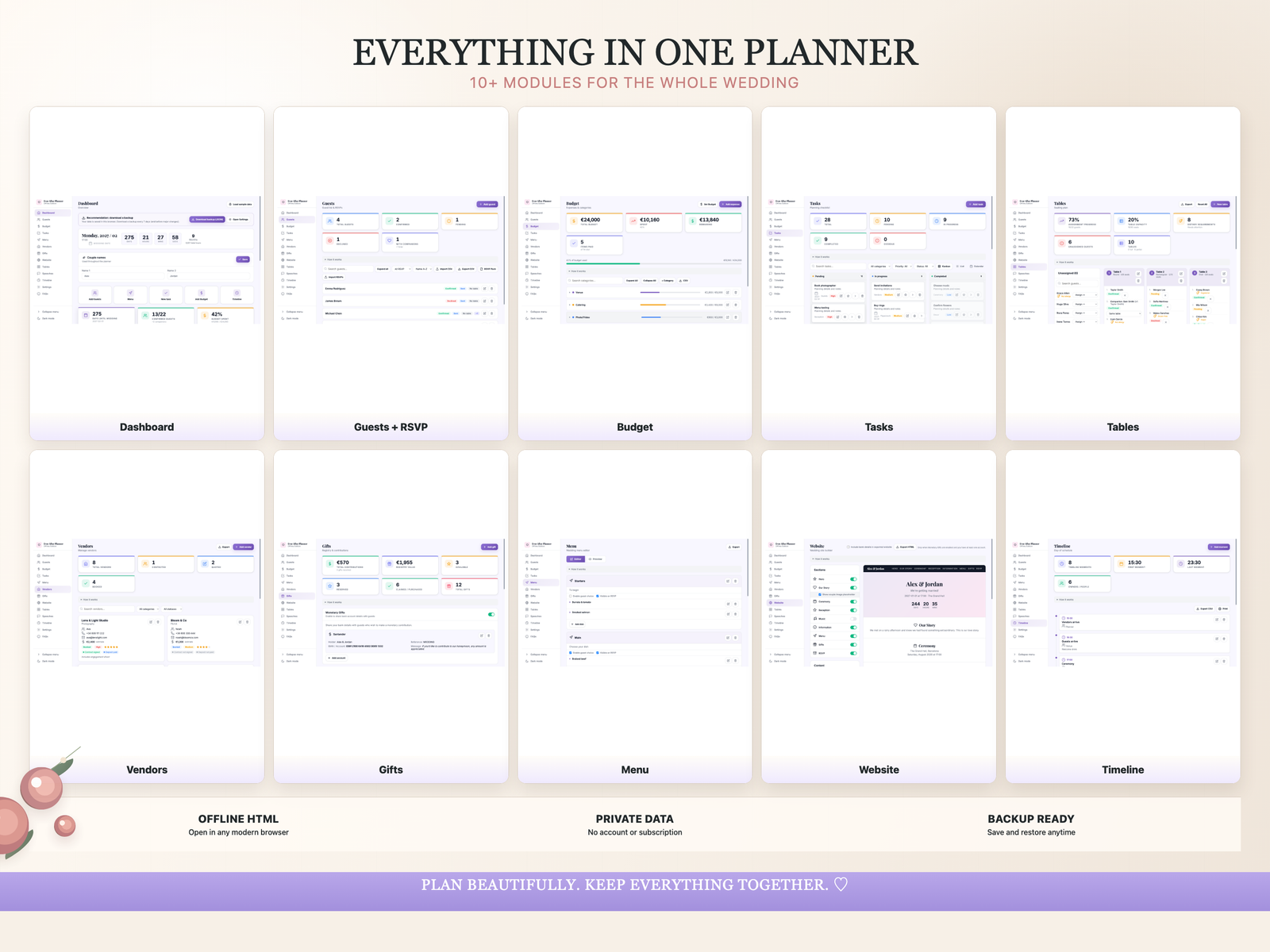
Centralize your wedding planning without relying on scattered documents. Each module gives important information a proper place.
Main features
Manage your guest list, replies, companions and special requirements.
Organize categories, expenses, pending payments and financial summaries.
Turn wedding to-dos into a clear plan with list, calendar and timeline views.
Save contacts, notes, status and key details for every supplier.
Plan seating, assignments, menu details and guest needs.
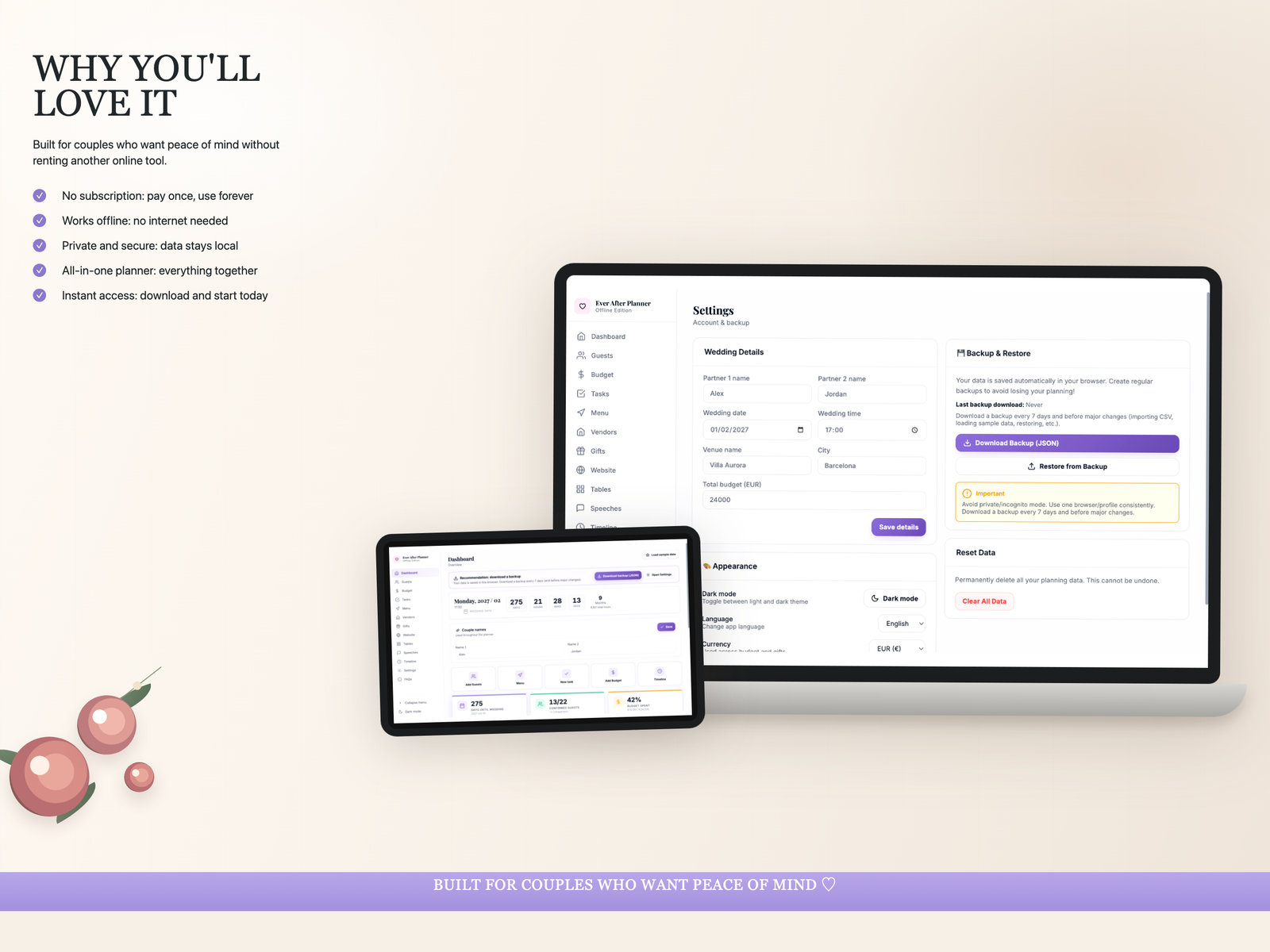
Download JSON backups and restore your information when needed.
Your data, your control
For normal planning, use the same browser and device. For extra safety, use the Backup option inside the planner and keep JSON backups after important changes.
Frequently asked questions
No. It is an offline HTML app that opens in a modern browser.
Yes. Once the HTML file is opened, the planner works offline in your browser.
Yes. It includes the main app, a Spanish demo, an English demo and PDF manuals in both languages.
No. This is not a cloud app with automatic sync. Data is saved locally in your browser/device. Use JSON backups to keep or restore your information.
No. This is a digital download product.
Start today
Download Ever After Planner and organize your wedding in a private, beautiful and bilingual planning space.
Buy Ever After Planner